Auto-Compound
Auto-Compound estimates a reward threshold from your position size, APR and transaction cost, aiming to improve returns after gas. Under normal fee-funded execution, it waits until rewards meet that threshold and the automation fee can cover gas. This is an estimate based on current inputs, not a guarantee of the best possible return.
A 1.8% fee applies to rewards in the standard automated compound path. The bot normally funds gas from its fee revenue, so you don’t need to send each automated transaction yourself. If you enable prepaid gas, eligible executions can instead charge that balance when normal fee economics are insufficient; strategy fees still apply.
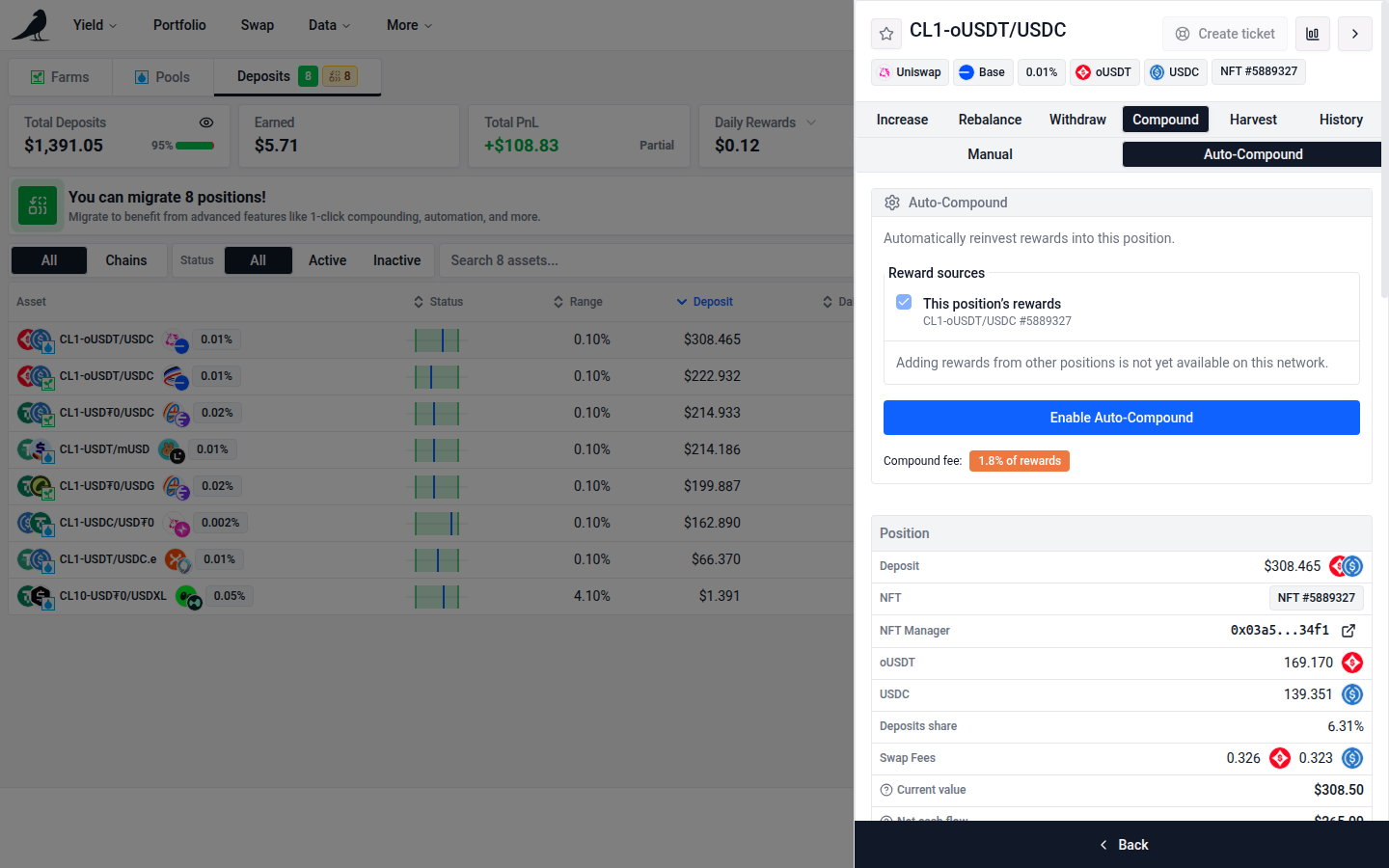
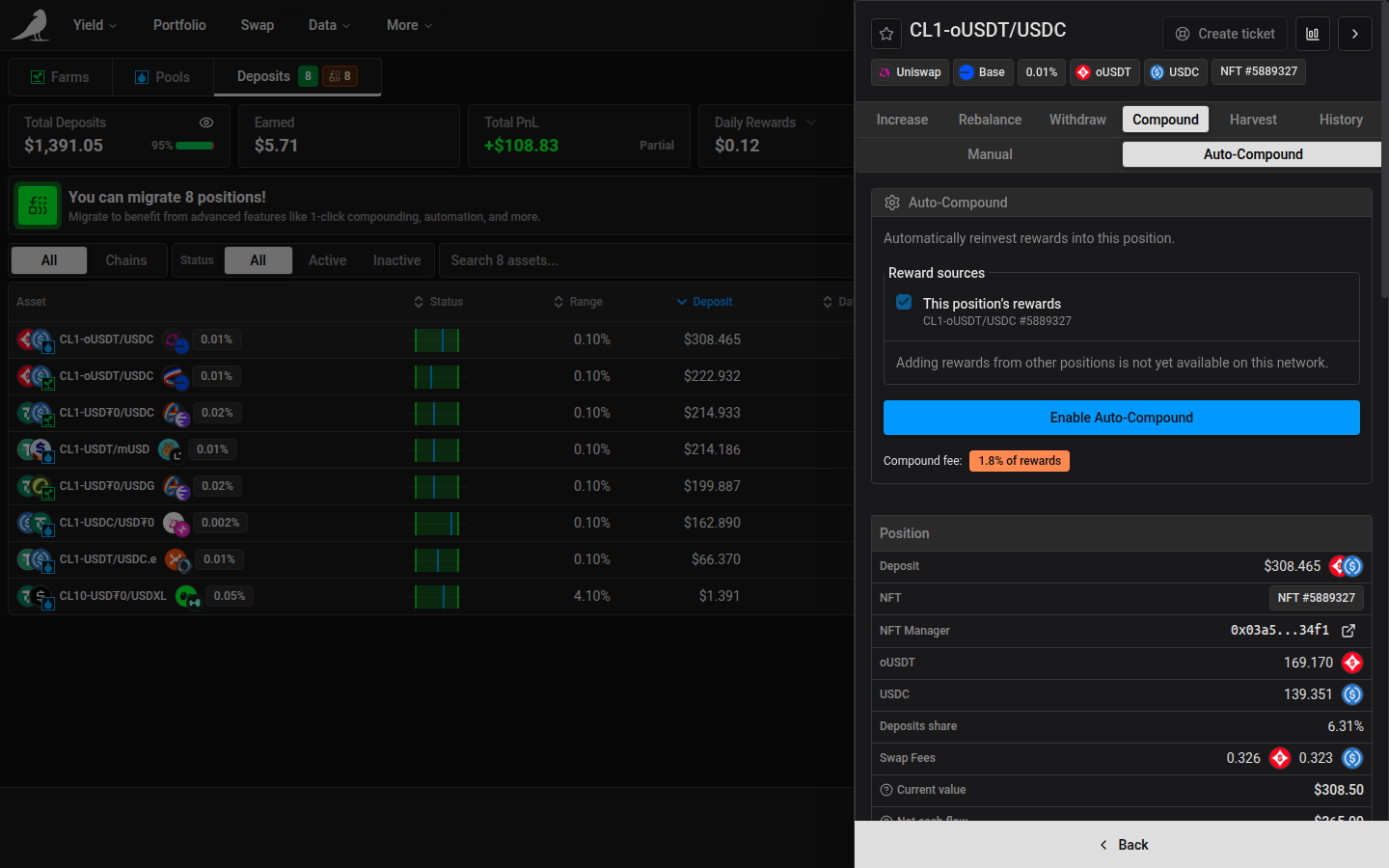
It can be turned on in two places: when opening a new position, or in the Compound tab of any active position.
Auto-Compound is enabled per position. On first use, the app also prompts for any chain-level Automation approval, action permissions or migration the Sickle needs. The required transactions depend on its existing setup.
Disable Auto-Compound from the position’s Compound tab. Turning off Automation in Sickle settings stops all automated actions for that Sickle.
Auto-Compound and Auto-Harvest are mutually exclusive: only one can be active per position.
Reward sources
Open the position that should receive the rewards, then choose Compound → Auto-Compound. By default, This position’s rewards is selected. Press Enable Auto-Compound to reinvest those rewards into the same position.
To include rewards from other positions, select their checkboxes under Other positions. The open position remains the destination and always includes its own rewards. Press Enable Auto-Compound, or Save Auto-Compound when editing an existing setup. The app chooses the appropriate automation transactions from your selections; there is no separate mode to enable. The Chains view remains available for manual compounding.
Existing source choices load when you reopen the destination. Unchecking a source and saving stops its rewards from going there. Removing all additional sources keeps this position’s own rewards and supported off-chain rewards included. Disable Auto-Compound on the destination stops its saved setup, including its additional sources and assigned providers. Removed sources do not automatically resume their previous automation.
Positions that already send rewards elsewhere
A source position shows its existing destination in both Auto-Compound and Auto-Harvest. You must acknowledge the change before saving Auto-Compound there or enabling Auto-Harvest. Otherwise, leave the settings unchanged to keep sending rewards to the existing destination. Selecting an additional source that belongs to another destination also requires acknowledgment before moving its rewards. Moving a destination itself pauses the rewards that other positions send to it.
Separate Auto-Compound and Auto-Harvest are replaced only where currently enabled on the selected sources and destination. Auto-Exit, Auto-Rebalance and NFT Auto-Deposit settings are preserved. Settings are checked again before changes are sent. The transaction list identifies each position and destination; complete every transaction, or retry an interrupted setup.
Availability and execution
Additional sources support up to 32 funded Sickle LP or NFT positions on one chain, including the destination. NFTs remain available when they are out of range. Empty positions and closed farms are excluded. If additional sources are unavailable for the open position or network, the settings explain why. Sources can have zero rewards when selected; the bot waits for rewards to accumulate. Farm rewards and NFT trading fees are included. ERC-6909 positions cannot be added as sources. Adding sources requires a supported chain and the current automation contracts.
The fee is 1.8% of rewards. The bot combines rewards and checks transaction costs before running. With prepaid gas enabled, executions charge that balance and must meet its balance, charge limit and minimum interval settings. The interval is managed in Gas Account settings and shared across these setups on the same Sickle and chain. It is a spending limit, not a schedule. Editing reward sources preserves these global settings.
Only the destination NFT can participate from its own farm and pool; conflicting NFTs are unavailable in the source selector with an explanation. Other source pools may contain multiple NFTs. Supported rebalances carry the settings to the replacement NFT, keeping the rewards flowing to the destination farm and pool.
Fully closing the destination pauses incoming rewards without restoring separate automation on its sources. Closing does not clear the saved settings; reopening the same position can make them usable again. Open another destination and select the sources there to move their rewards.
Off-chain rewards
Supported off-chain rewards, such as Merkl rewards, are included automatically when you enable or save Auto-Compound. There is no separate switch or provider selection, including when only this position’s own farm rewards are selected. Existing setups that do not include them can be updated with Save Auto-Compound.
A provider’s claims can cover all rewards for your Sickle on that chain, including rewards from other positions. Each provider can send its rewards to one position. Saving Auto-Compound on another destination moves those rewards there; the app warns about the move and requires acknowledgment before saving.
The bot claims supported providers, deduplicates shared claims and includes their rewards in the 1.8% fee and gas checks. It can run when only these rewards are available. Separate compound, harvest and rebalance automation leave assigned provider rewards for their chosen destination. Manual claims remain available.
Disabling Auto-Compound on the destination also removes its provider assignments. It leaves providers assigned to other destinations unchanged. Switching an individual source to Auto-Harvest does not remove shared provider permissions. Closing the destination pauses its rewards; save Auto-Compound on another position to move them.