Pools View
The Pools tab shares its browse table with Farms, but is scoped to the underlying liquidity pools themselves rather than the farms built on top of them. Use it when you want to compare raw pool liquidity and volume without factoring in any reward emissions.
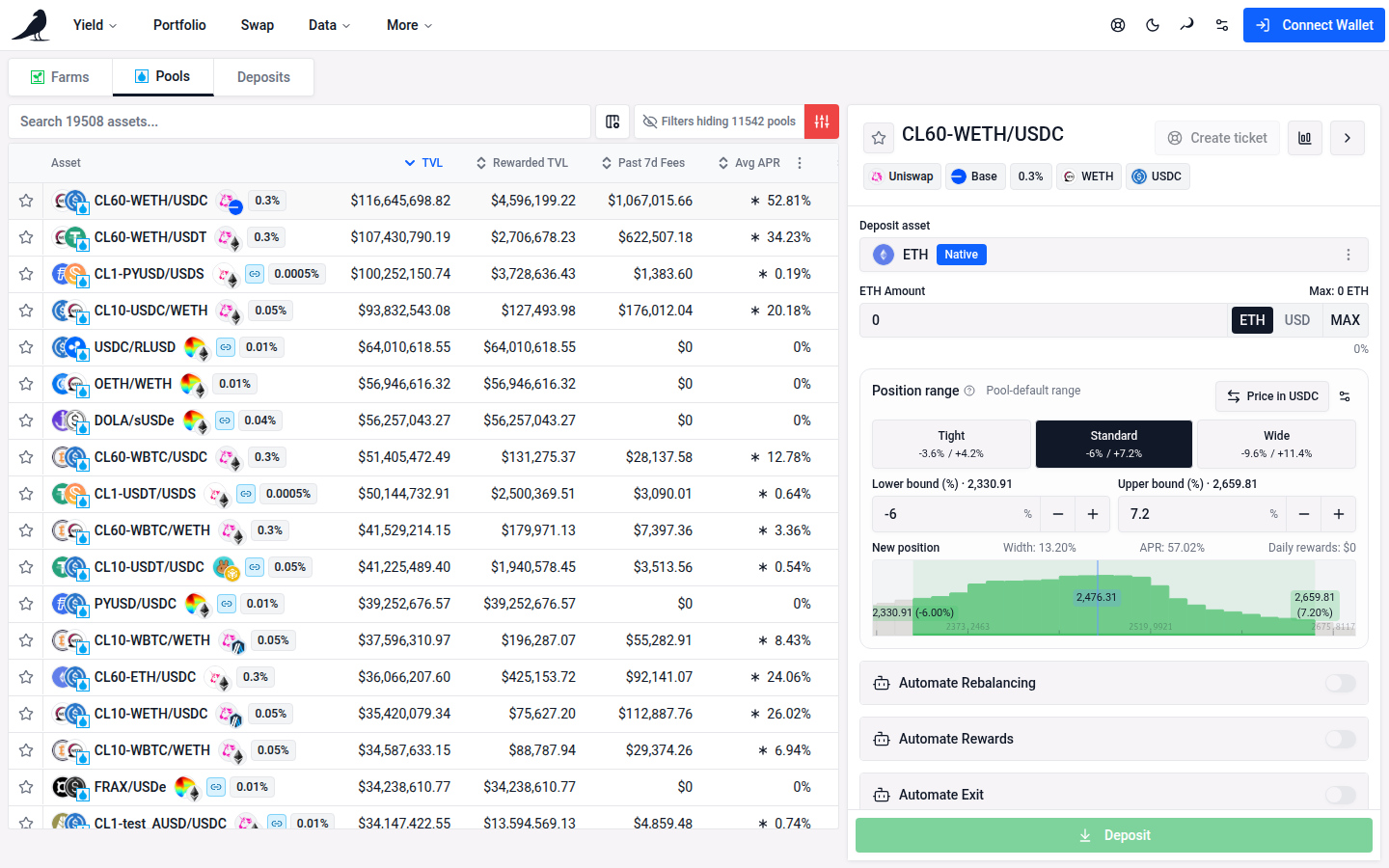
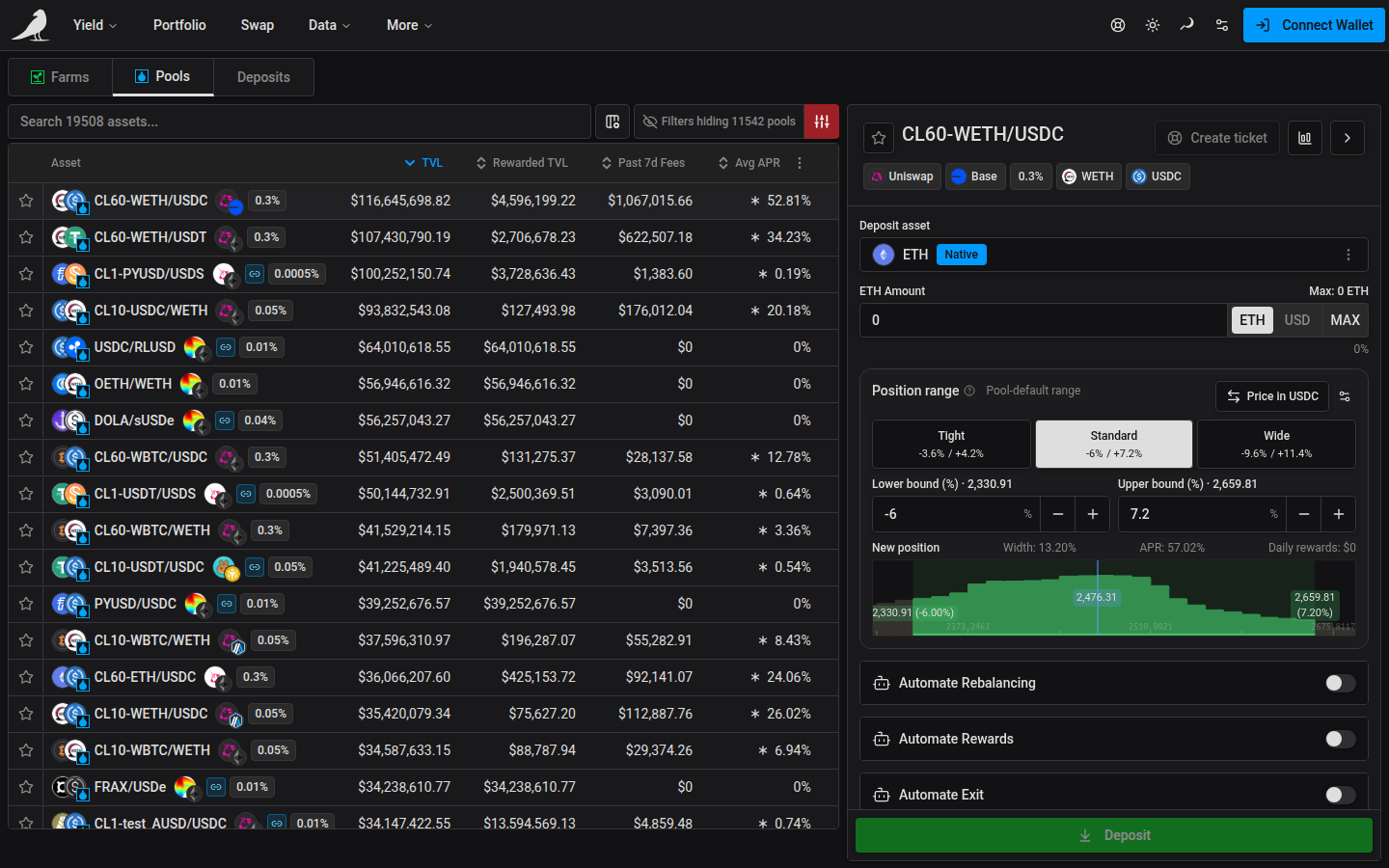
Pools are sorted by TVL by default and can be filtered by protocol and chain the same way as the Farms table. Selecting a pool opens the same action pane used on the Farms page, so you can deposit into it directly.
Search supports the same token symbols, pairs, concentrated-liquidity labels, addresses and pool IDs as Farms. Very long token metadata is shortened, and matches found only in the hidden portion are excluded. When matching pools exist outside your active filters, Clear filters reveals them.
On desktop, the first pool is selected automatically and its action pane opens, while the row stays collapsed. Click the selected row to expand its inline details.
Open Customize columns beside the search bar and use Time period to select 1d / 7d / 30d. The selection defaults to 7d, is remembered across Farms and Pools, and is included in the URL when changed. Avg APR and its range/compounding options stay unchanged.
Enable Volume in Customize columns to see one column for the selected period. It is hidden by default. Click its header to sort, or set minimum and maximum dollar amounts for 1d, 7d or 30d volume under Filters. Empty bounds apply no restriction; unavailable volume sorts last and is excluded when its window is filtered. Column choices and volume filter presets are remembered.
Past 1d / 7d / 30d Fees shows the pool’s applicable LP swap-fee income for the selected period, valued at current token prices. Where actual fee amounts are unresolved, the existing estimate is used; missing amounts or prices contribute zero. These are accumulated fees, so a young pool’s total is not projected to a full period.
Select a pool to see Price volatility in its details, with an explanation of how to interpret it. The Volume column measures trading activity in dollars.
Use Pools when you’re evaluating swap liquidity or where to provide liquidity manually; use Farms when you’re comparing farms by APR and reward programs.