Tokens View
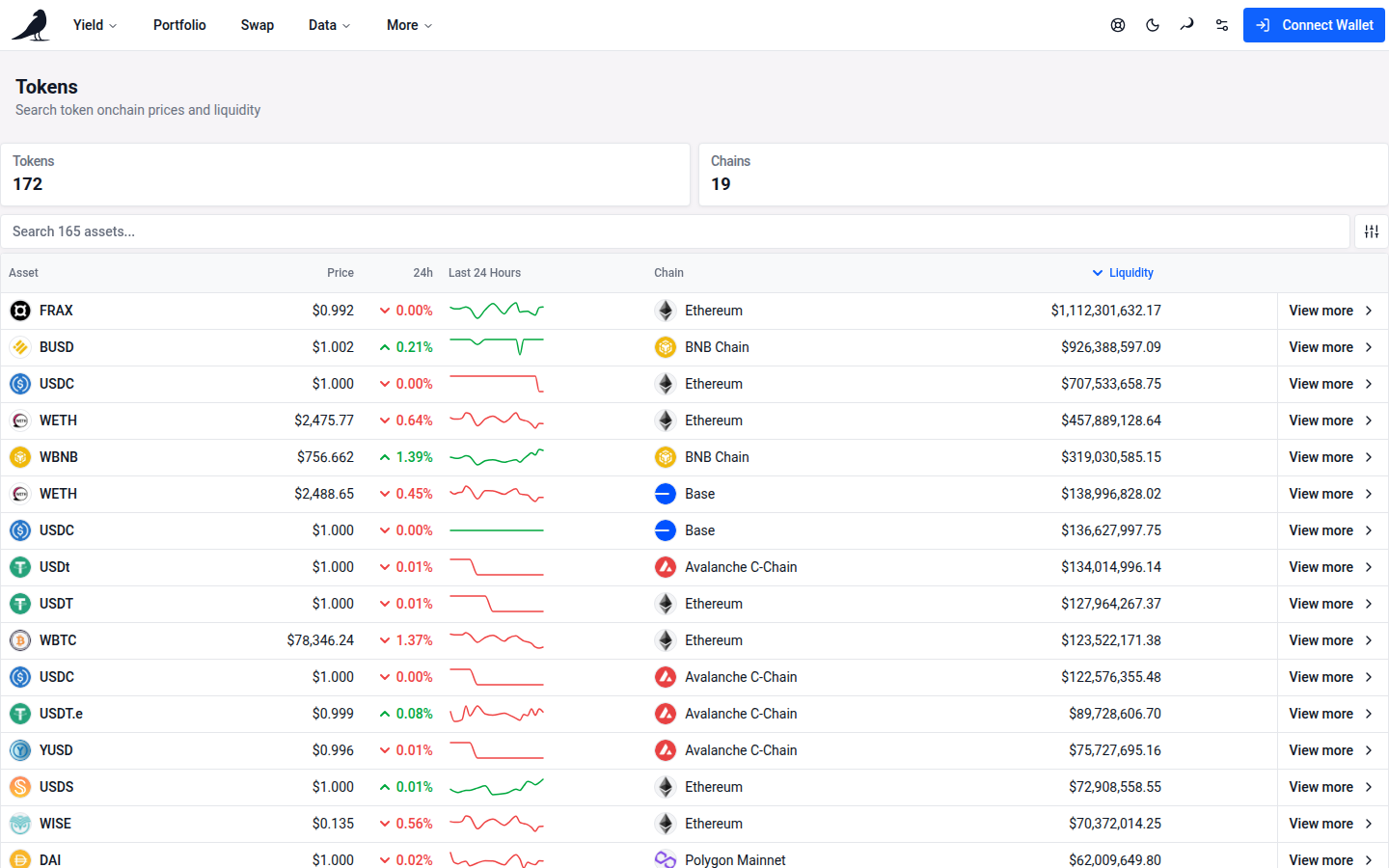
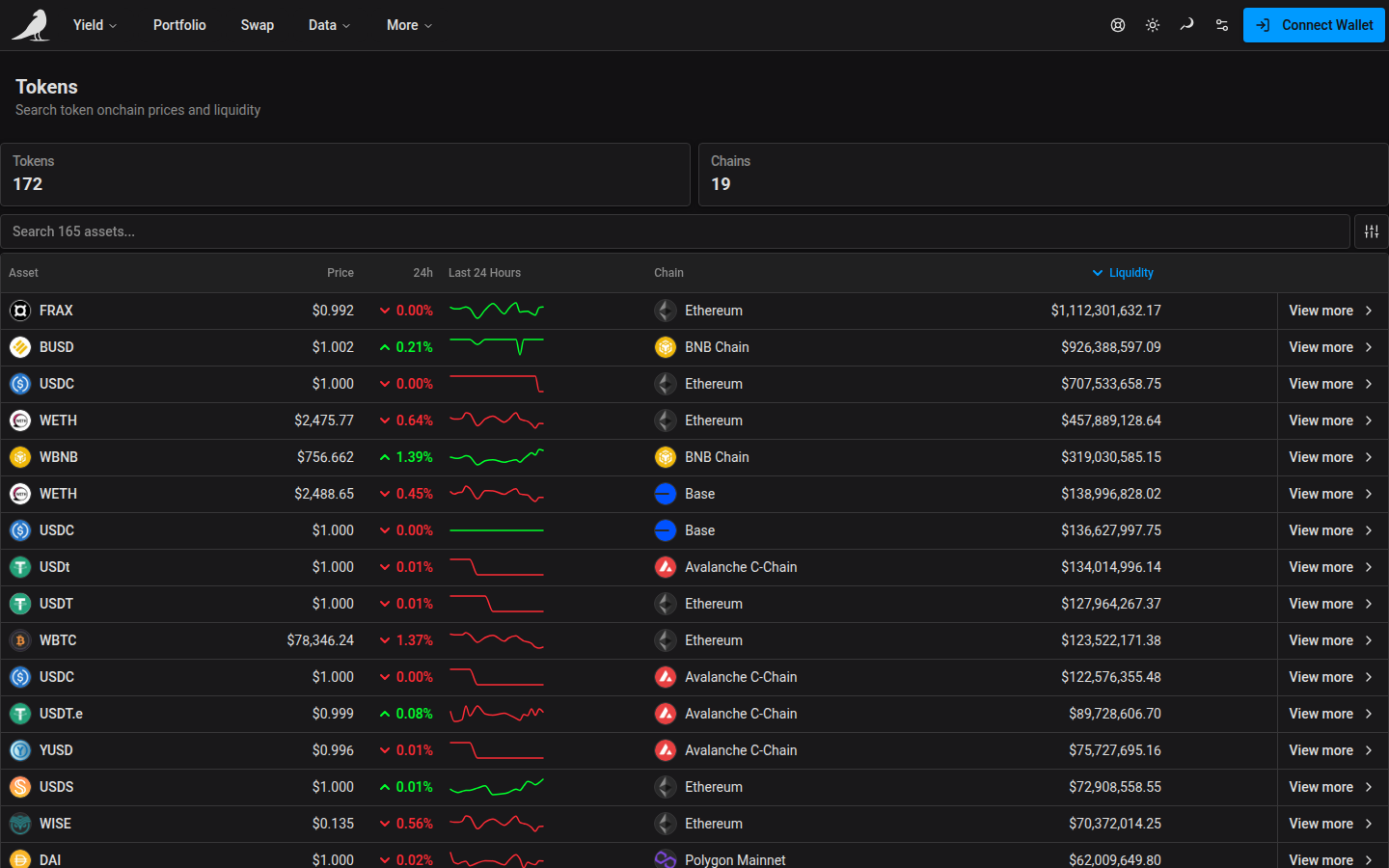
Tokens is a searchable directory of every token vfat.io tracks across supported chains, with live onchain price and liquidity data. Search by symbol or full contract address, and sort the table by liquidity (the default, descending). The table appears once every token has loaded, so its liquidity ranking doesn’t change while you read it. Symbol matches are partial and ignore case; addresses match exactly. Open Search help beside the field for examples. The bar along the top of the table holds a Chain chip to narrow the list to one or more chains (with All except to leave one out), how many tokens match out of all that match your search, with Reset while a chain filter is on, and Sort to change the order. On a phone, the count shortens and sort sits beside the search.
Each row shows the token’s price, its 24h change and a Chart of the last 24 hours. The chart takes the color of the 24h change shown next to it: green when it’s up, red when it’s down and grey when it’s flat.
A small shield beside the token name points out a risk. An amber Unverified token shield means it is outside vfat’s whitelist and has no completed backend assessment: make sure it is the token you intended to use. A red Transfers may fail shield means you may be unable to send or sell it. An amber Transfer tax observed shield means the sampled transfer delivered less than the amount sent. Check the expected amount in the current trade quote. Liquidity figures come from the existing pool data separately from these checks.
Hover, select or tap the shield for the warning and a suggested next step. When available, Last checked shows when the warning was found. Older warnings stay visible with May be outdated. Assessment warnings require an observed transfer restriction or measured transfer tax. Missing or incomplete checks, an unavailable price source, failed sellability checks, and expiry alone do not add a warning. Older sale-value estimates do not establish low liquidity or a token defect. A completed positive backend result replaces the Unverified fallback, including outside the whitelist. The shield does not change prices, liquidity, list membership or actions. Unlisted assets remain visible across the app. Token pickers place them in Unlisted tokens below the other choices, regardless of their balance or dollar value; searching by symbol or full address still finds them. Yield offers a local Whitelisted only filter.
On desktop, open Tokens from the Data menu in the header.
Token detail
Selecting a token (or visiting vfat.io/token?chainId=<id>&tokenAddress=<address> directly, e.g. vfat.io/token?chainId=1&tokenAddress=0xa0b86991c6218b36c1d19d4a2e9eb0ce3606eb48 for Mainnet USDC) opens its detail page: contract metadata and address, and a sortable, paginated table of every liquidity pool that token trades in.
This is the same page linked from a token’s price on the Portfolio view.
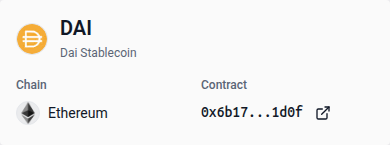
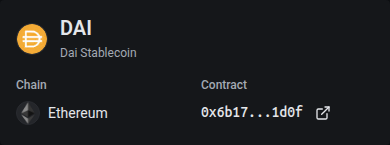
The overview card groups the token’s logo, symbol and name, with separate Chain and Contract fields. Any token warning has its own header column beside the token identity, with the shield, explanation and available last-checked date always visible. On narrow screens the columns stack. There is no warning tooltip to open in this header. On smaller screens, these details sit below the token identity. Select the contract address to copy it, or the external-link icon to open its explorer page. The cards below show the token’s Price, Total supply, Liquidity and Decimals.
The token’s price appears once, as Price at the top, rather than on every pool row. Each pool row shows the pool as Yield does (token logos with the network badge, the pair name, the protocol logo, and fee and tick-spacing badges), then the Token Reserve in that pool, the Paired Token, its Paired Token Price and the Paired Liquidity. The current token’s warning is shown once in the header. Liquidity rows show a shield beside the Paired Token only when that token has a warning or is unverified; the pool name does not repeat the current token’s shield. Select a pool row to open that pool in Yield.
Price and Paired Token Price retain small unit prices with subscript zeros, such as $0.0₄213. The below-one-cent label applies to balances and liquidity, rather than unit prices.