Auto-Harvest
Auto-Harvest checks for at least $50 of rewards before attempting a harvest. Normal fee-funded execution also requires the automation fee to cover gas, so $50 alone doesn’t guarantee that a harvest will run. Check the position’s automation status for a waiting threshold or retry time.
A 1.2% fee applies to rewards in the standard automated harvest path. The bot normally funds gas from its fee revenue. With eligible prepaid gas enabled, an execution that cannot cover gas through fees can charge that balance instead, subject to its limits. Strategy fees and the $50 reward minimum still apply.
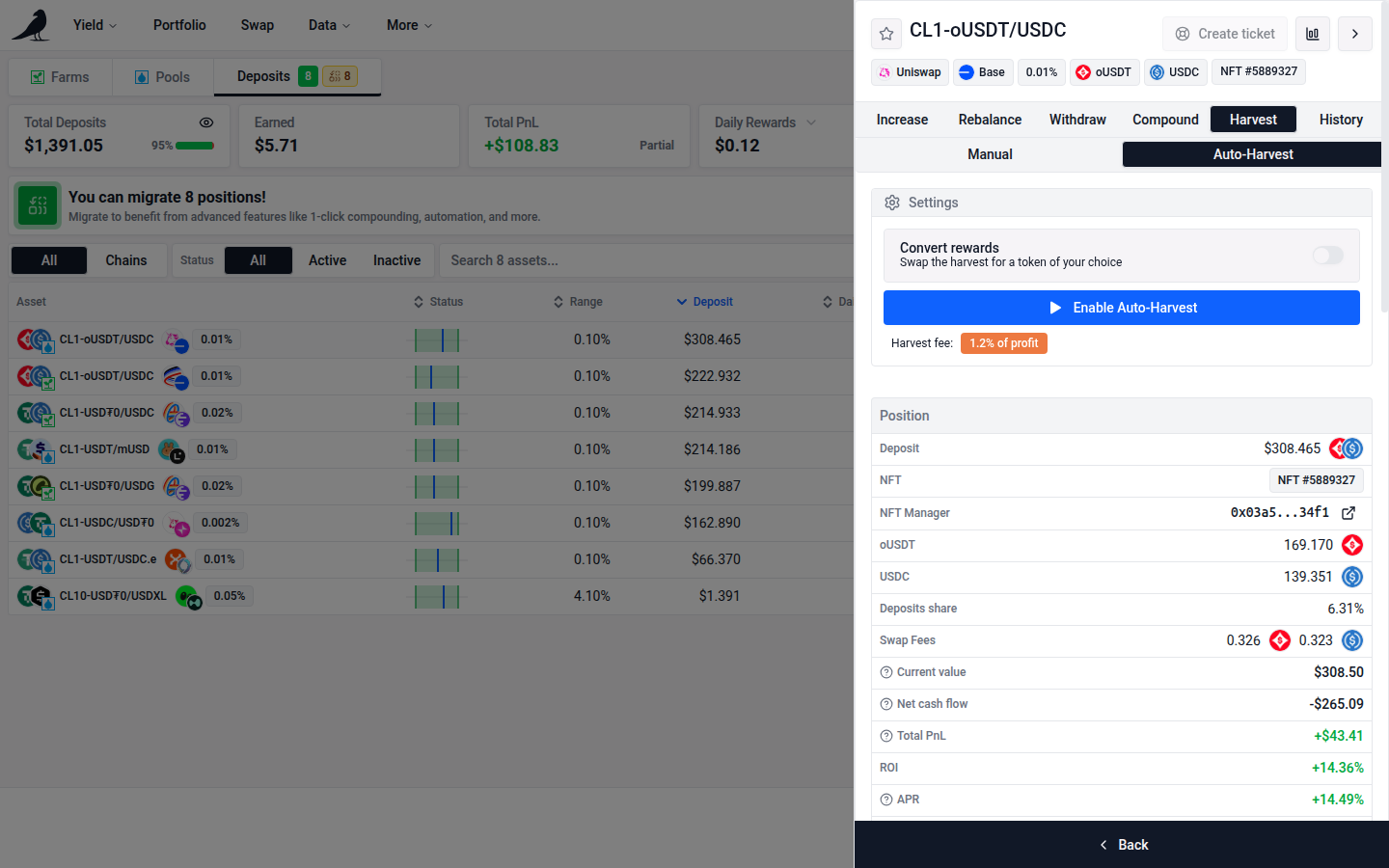
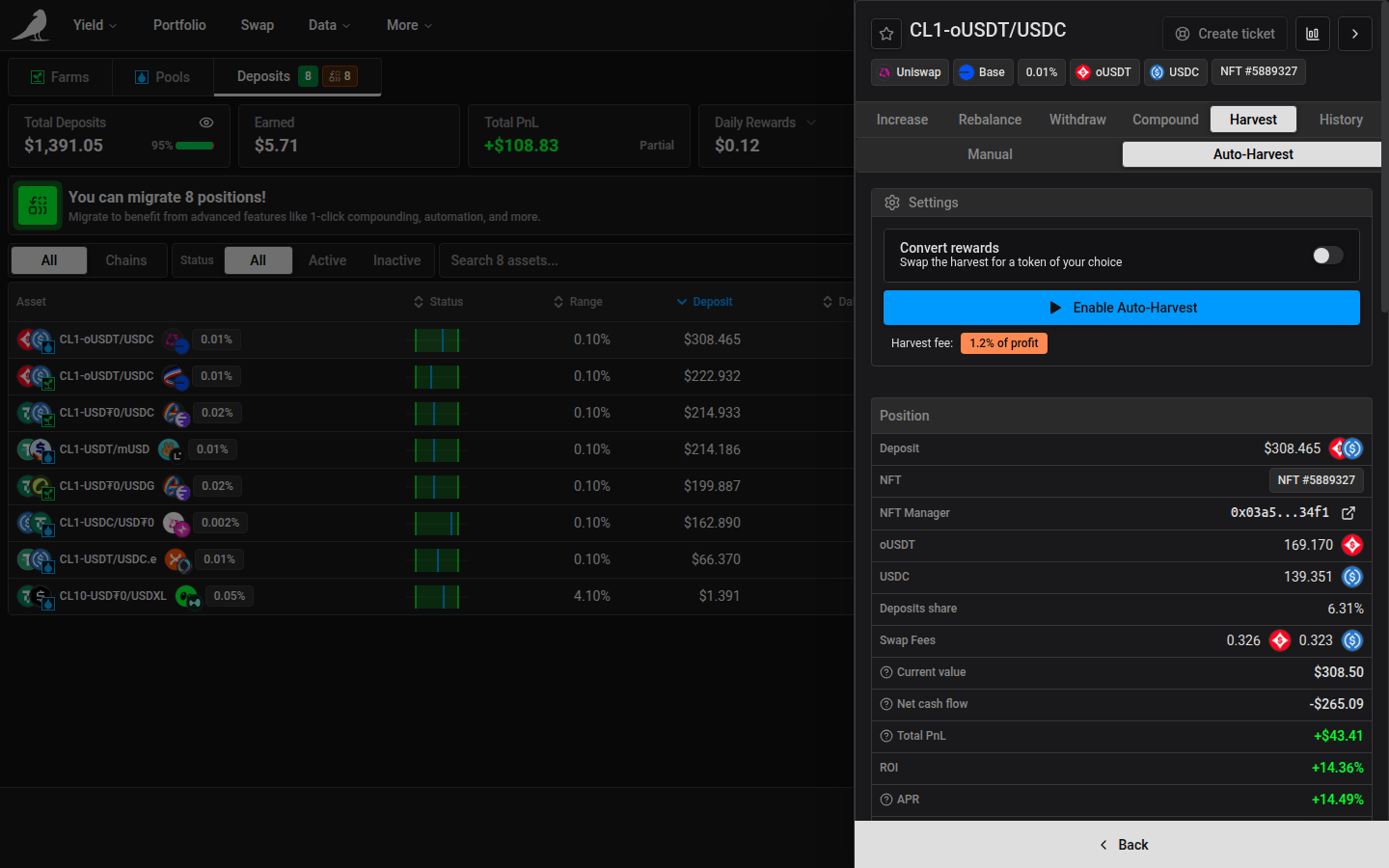
It can be turned on in two places: when opening a new position, or in the Harvest tab of any active position. You can optionally convert harvested rewards into a token of your choice instead of receiving them as-is.
Auto-Harvest is enabled per position. On first use, the app also prompts for any chain-level Automation approval, action permissions or migration the Sickle needs. The required transactions depend on its existing setup.
Disable Auto-Harvest from the position’s Harvest tab. Turning off Automation in Sickle settings stops all automated actions for that Sickle.
Auto-Harvest and Auto-Compound are mutually exclusive: only one can be active per position.
If this position’s rewards already compound into another position, the app shows the destination and requires your acknowledgment before enabling Auto-Harvest. Continuing stops this source from sending rewards there. Leave the settings unchanged to keep the existing destination.
If this position receives rewards from other sources, switching it to Auto-Harvest stops compounding into it, including rewards sent by those sources and assigned providers. Configure the sources from another position’s Auto-Compound widget to resume them elsewhere.