Single-asset yield vaults
Understanding a vault
The vault details show its full name, accounting asset, share token and management roles. Curator names and owner/curator addresses come from Morpho’s official directory; the page shows when those labels were checked. A missing curator name stays Name unavailable, with the role address shown when available. A curator name identifies the manager; it is not a vfat endorsement or risk rating.
Use Allocations, fees and risk details on Morpho to review that vault’s current strategies and collateral on the protocol interface. This direct link is available when the API provides the protocol’s vault-page URL. Older API responses can omit the link while vault details and actions remain available. Current allocation amounts and management/performance fee settings are not displayed by vfat. Historical returns already reflect vault fees recorded in the share value, and future rates can change. TVL is total backing, not immediately withdrawable liquidity: withdrawals depend on the vault’s liquidity and contract rules.
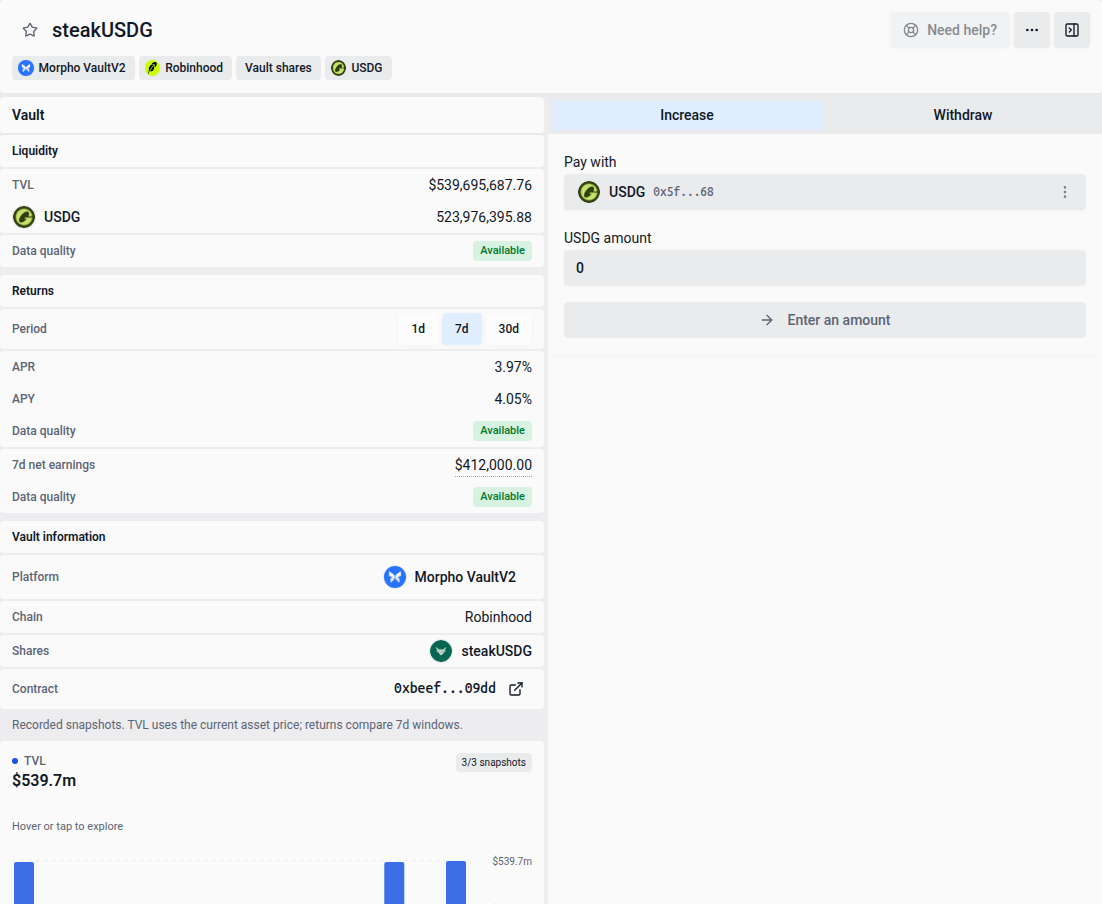
A single-asset vault accepts one accounting asset and issues ERC20 ownership shares. The first supported protocol is Morpho VaultV2 across supported networks; Robinhood’s steakUSDG is one example. Yield lists members of Morpho’s vault directory on networks supported by vfat. Find it on Yield, including the Single-asset vault farm-type filter. Select its row to open the Deposit widget beside the table, or in a sheet when space is limited. More details in the widget header opens its standalone page. On wide screens, the row also has Quick Deposit with the usual native-token amount presets. It deposits into your Sickle, swapping into the accounting asset when needed. Quick Deposit remains unavailable until the vault supports entry and your wallet has enough native tokens; it uses the same quote and simulation checks as the full widget.
Morpho opportunities follow Morpho’s own vault listing. If a vault is delisted, existing holdings, wallet-share imports and withdrawals remain available; new asset deposits and increases are unavailable.
Canonical shares you already hold can also be managed when the vault has never appeared in Morpho’s listing. Open the holding from Positions or Portfolio to import wallet shares or withdraw Sickle shares. These actions use your recorded holding; unavailable vault details and measured yield stay unavailable.
When only one action is available, its form opens directly without a tab or action selector. The widget uses the same Hide widget and Show widget controls as other Yield rows. Resizing between the sidebar and sheet keeps your selected action, token and entered amount. Hiding and restoring the vault widget also keeps those inputs. Close the sheet or press Escape to return to the table.
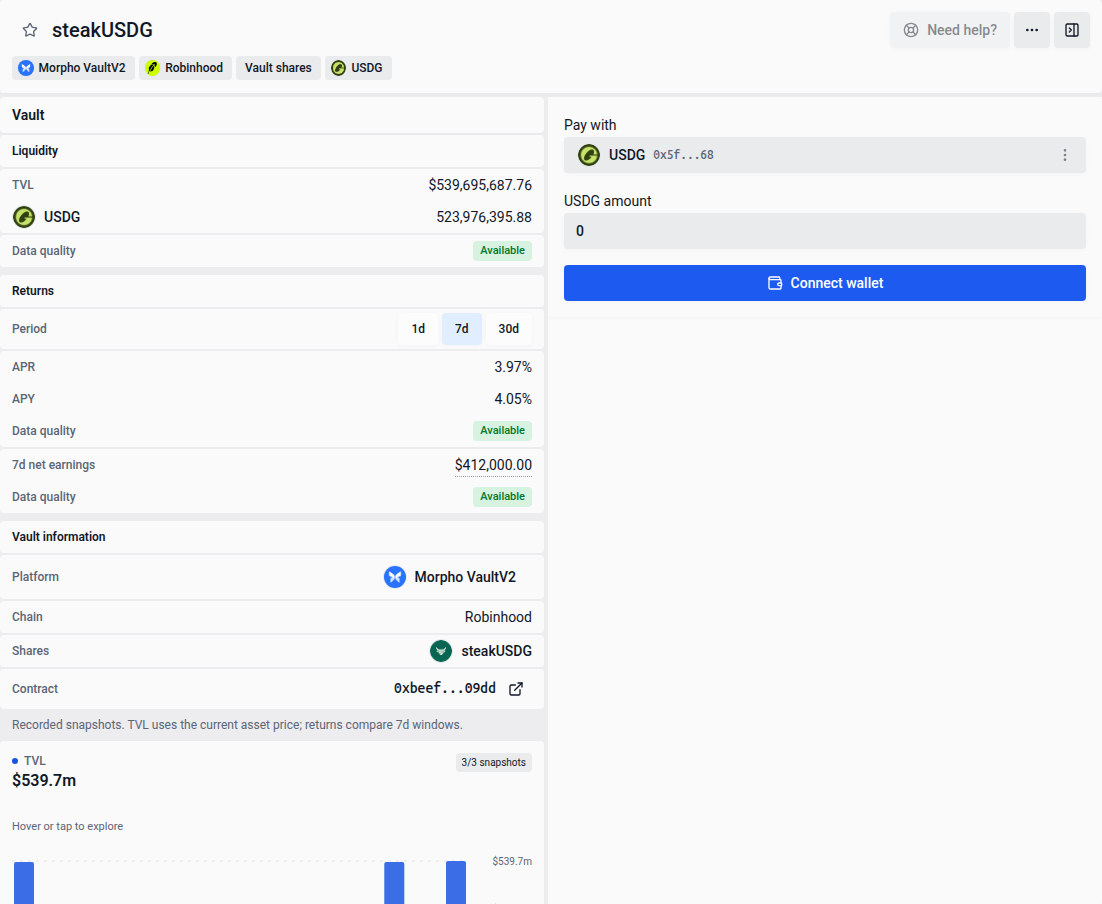
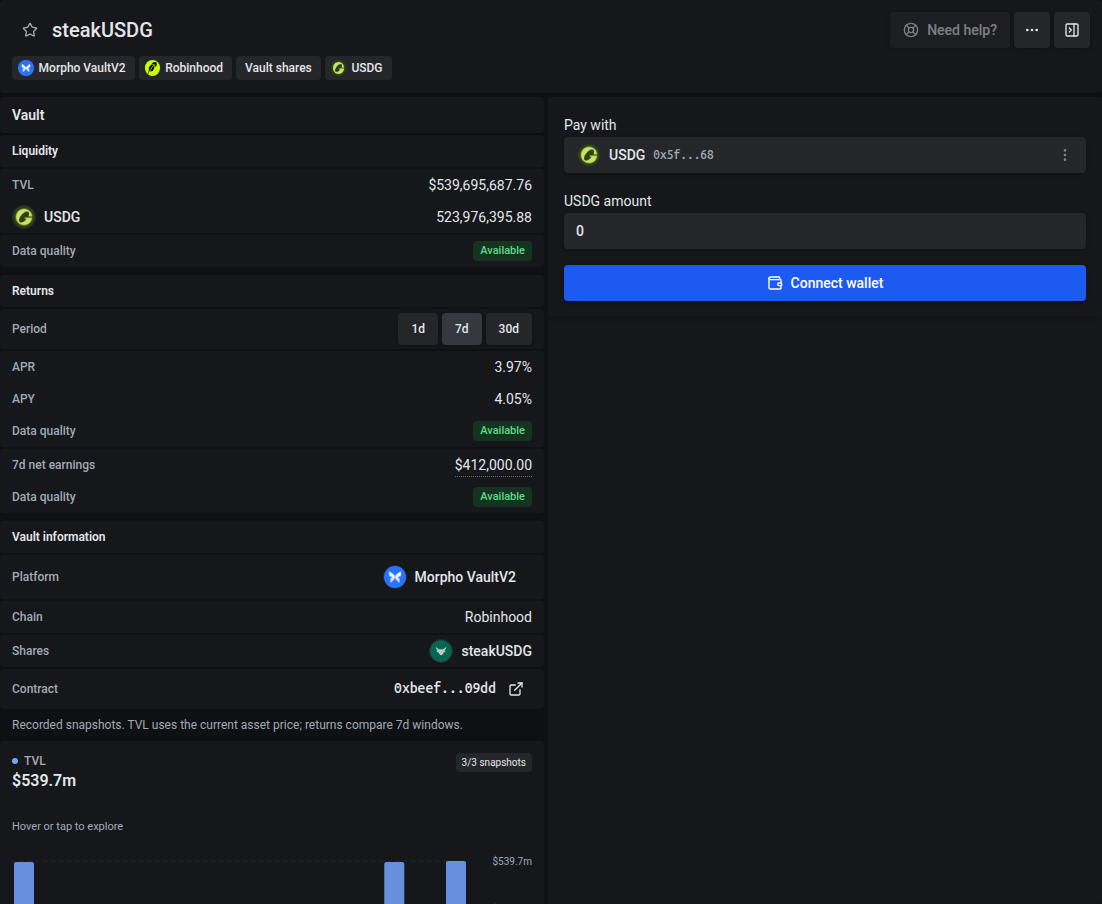
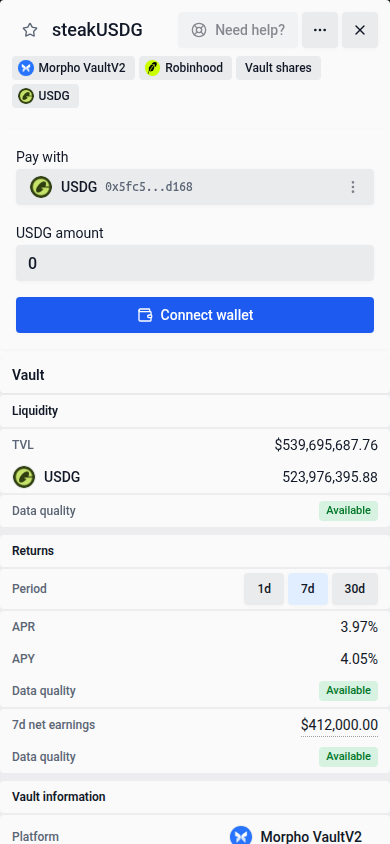
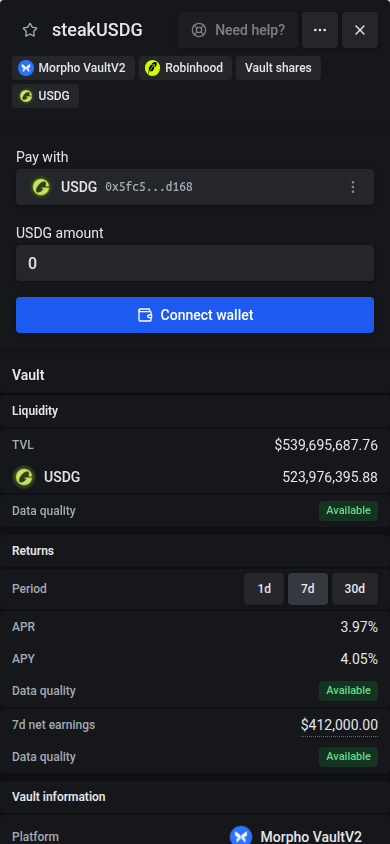
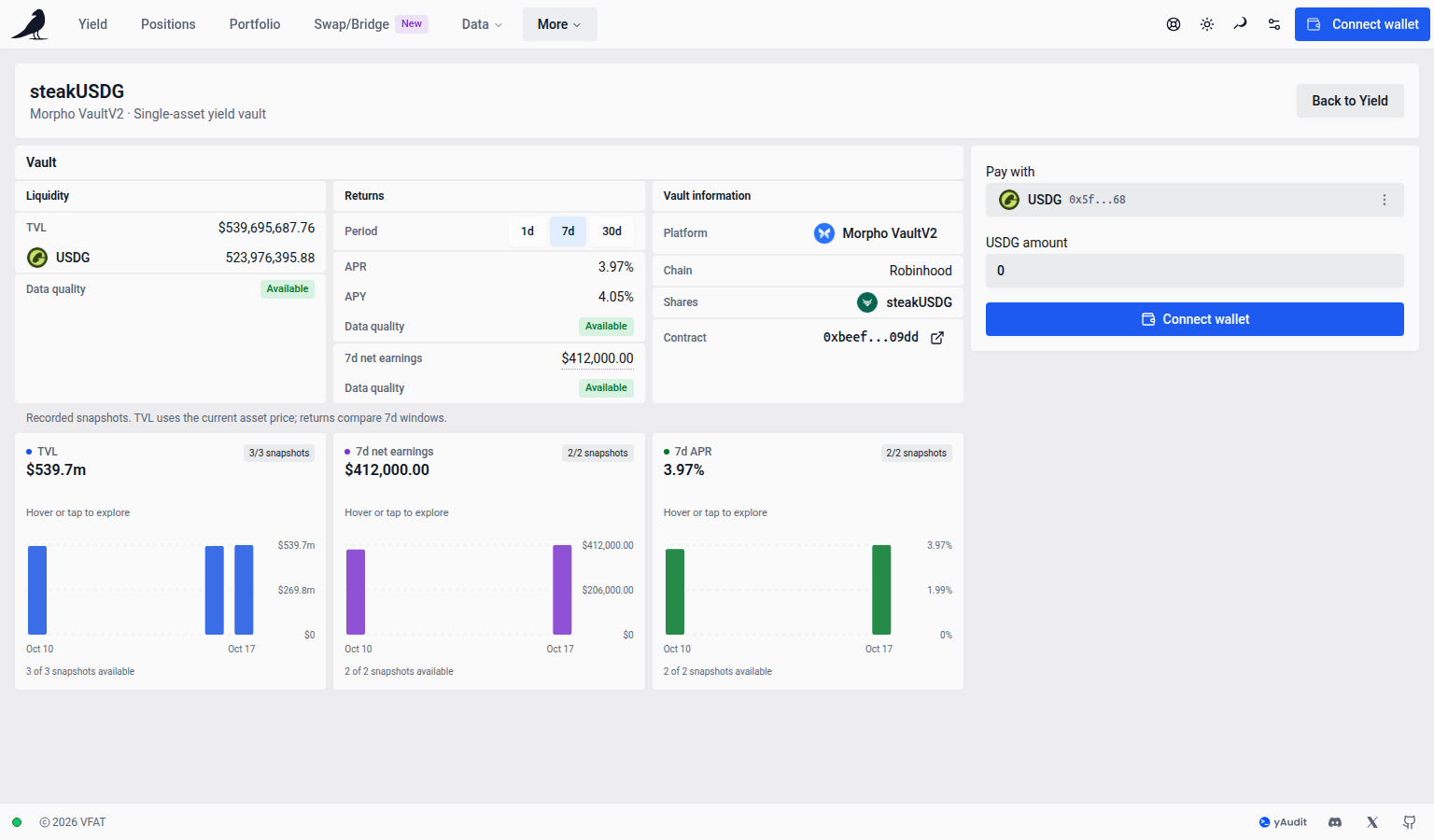
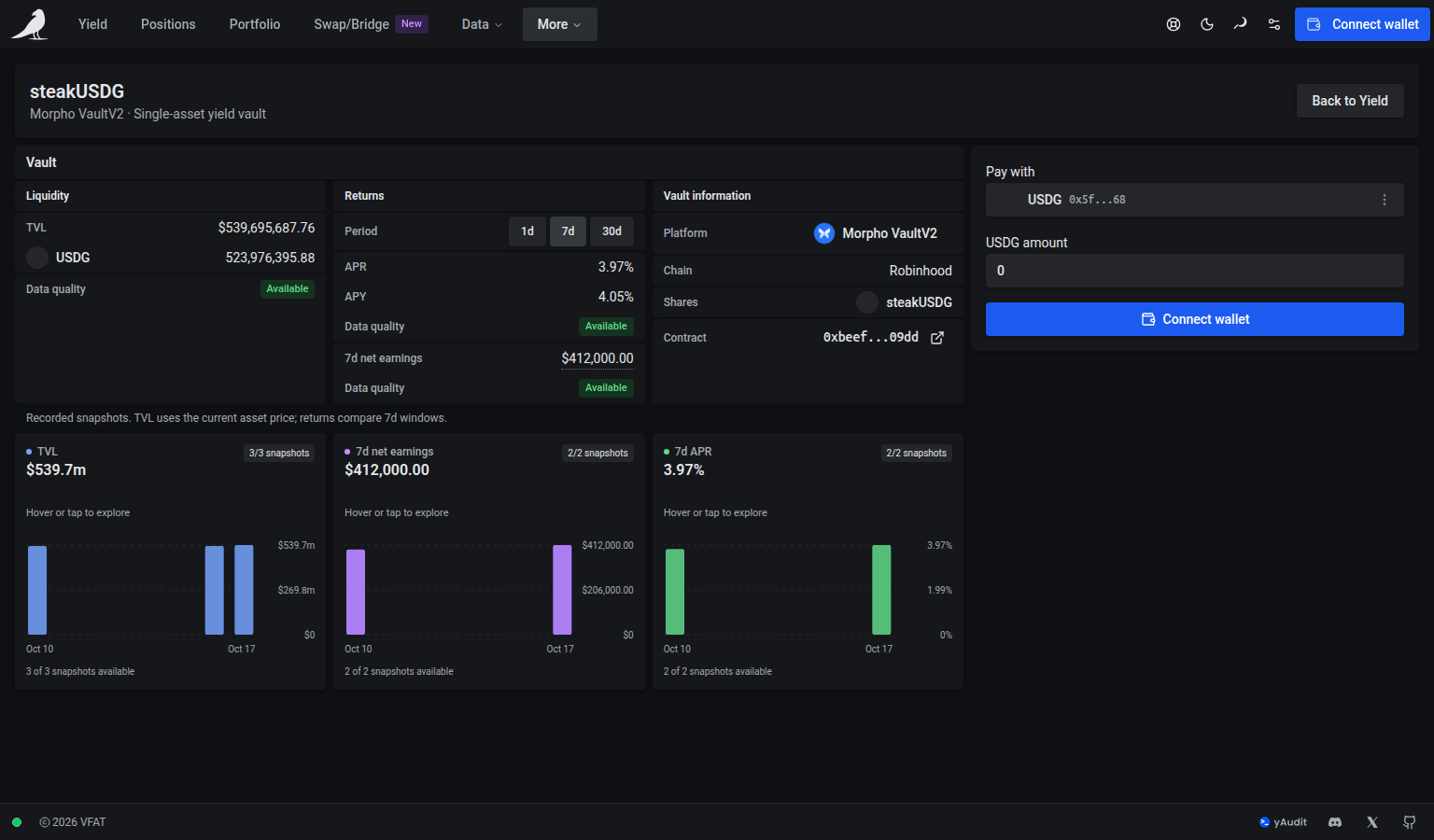
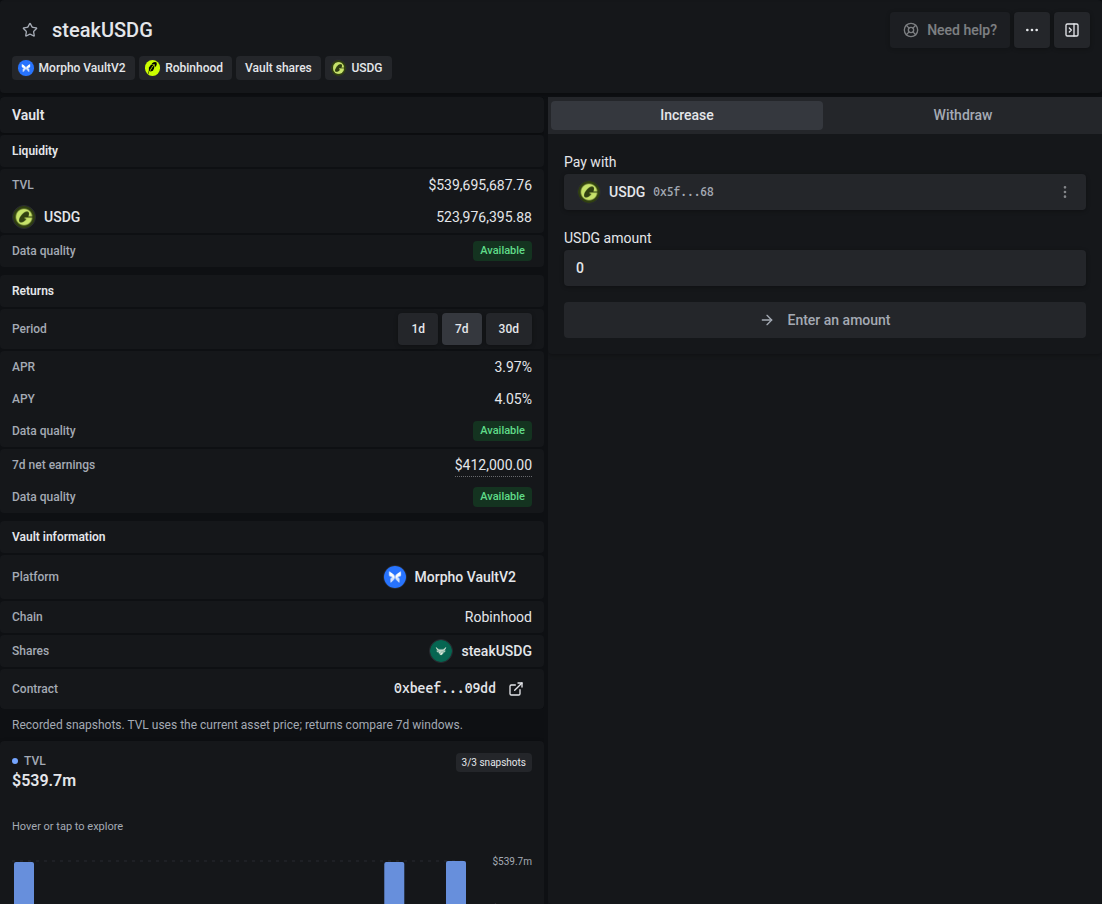
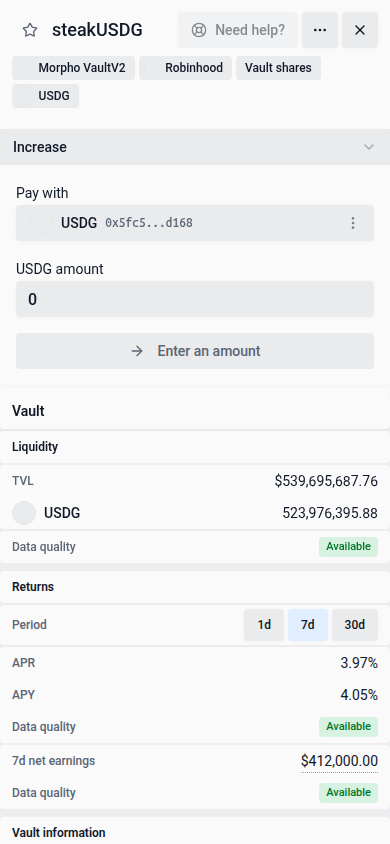
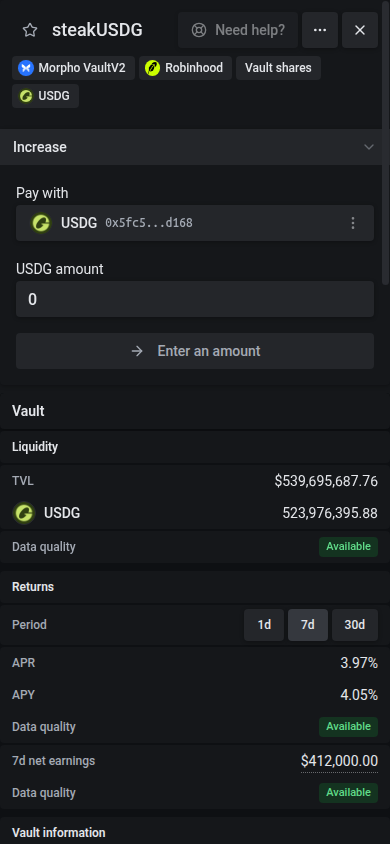
Figures in the screenshots are illustrative.
The widget and standalone page use one Vault card, with compact Liquidity, Returns and Vault information sections. It separates the accounting asset (USDG) from the shares (steakUSDG). Backing includes assets lent through the vault, so it does not promise immediately available redemption liquidity. Hover or tap Data quality badges for recorded dates, blocks and replay details. Unrecorded interest, losses and donations are excluded until the vault records them.
Holdings and value
Wallet shares and Sickle shares appear separately on the vault detail, Positions and Portfolio. Exact shares remain visible when the accounting asset, recorded asset value or its USD price is unavailable. Portfolio counts each holder’s shares once; the same share tokens are not counted again as an ordinary token balance. Token selectors still retain their normal wallet inventory.
In Positions, each Sickle vault holding is a row in the same table as your other positions, sorted and filtered with them. Filters that describe liquidity positions, such as status or range width, leave vaults out. Select the row to open its widget and details. The row’s Exit button withdraws the complete Sickle holding: it asks you to review the token and slippage first, or exits straight to the accounting asset if you turned off quick-action reviews. Compound and Harvest stay disabled because a vault has nothing to claim. On phones, the row’s menu offers Exit. Vault shares still in your wallet are in Wallet positions, where Migrate transfers the whole holding into your Sickle. A holding in a vault vfat doesn’t list is named from the vault’s own contract and has no yield or vault details. The standalone page also has Manage vault links on its holding cards; these retain your chosen holding when opening the page. A missing holding or one belonging to another wallet remains unavailable until you select a current holding.
Recorded asset quantities use the complete exact share amount and the vault’s recorded totals. USD values use the accounting asset’s available price; USDG is not assumed to be worth $1. Missing asset or USD values are unavailable, not zero. Portfolio totals are unavailable when an included vault cannot be valued. The Positions totals include Sickle vault holdings: their value counts as in range, because a vault has no price range to leave, and their measured yield counts towards earnings and APR. A holding with no recorded USD value is left out of the total and counted separately, as with an unpriced position.
Measured net yield
Choose 1d, 7d or 30d in Returns to see historical annualized share-rate growth and net vault earnings. Quality badges show Available, Partial or Unavailable; hover or tap them for the actual start, end and duration. Negative returns and true zero returns are preserved. Partial history uses its actual duration. These annualized historical returns are not a prediction or an APR compounding estimate. Rates use the usual readable percentage format: for example, 3.974118464895% appears as 3.97%. Small nonzero rates retain their sign and use the shared small-number notation; missing values remain unavailable.
Protocol management and performance fees already dilute the share rate, so measured yield is already net of them. There is nothing to harvest. Incentives, claims, PnL, automation, auto-exit, compounding actions, rebalancing, moves, batch actions, bridge entry and raw-share export are unavailable for this category.
The existing Earnings column shows recorded net vault income for the same 1d / 7d / 30d period. It removes deposits and withdrawals from recorded asset growth, then deducts protocol fees using the shares issued for those fees. It covers the whole vault, not your holding, and is separate from annualized share-rate growth. It is never estimated from TVL and APR. Losses retain their negative sign and a recorded zero remains zero; missing history or USD valuation shows —. Partial history has * and uses its actual recorded window.
Hover or tap Earnings for exact accounting-asset income, protocol fees and the recorded window. Its USD amount uses the accounting asset’s current price, so it does not measure historical USD profit. Earnings and APR/APY trends compare recorded intervals for the selected period; their explanations show the actual window bounds. Changes use the previous value’s absolute size, so moving from negative earnings toward zero is an improvement. A missing, partial or zero comparison stays neutral.
The current and prior metric intervals use actual recorded event times selected at or before the period boundaries. Their lengths can differ slightly with event cadence; returns use each interval’s actual duration, and income is never scaled to fill a nominal period. Current accounting can be newer than the earnings interval. Charts retain each observation’s actual time.
Below the Vault card, interactive TVL, net earnings and APR charts reuse the usual pointer, touch and keyboard controls. The cards have space between them, stacking in narrow details and sitting side by side when the details area is wide enough. These show the recorded snapshots available from the API, with actual UTC dates. Snapshot counts describe observations, not daily coverage. Missing or incomparable observations remain gaps; no trading volume is shown. The earnings and APR charts compare the current and previous complete window for the selected period. Partial history can show its current value without inventing a prior comparison.
Actions
- Yield — Deposit: enter with the accounting asset, or swap another token on the same network into it. All new shares are held in your Sickle. Each quote verifies the vault’s current transaction setup and constraints; fees appear in the quote.
- Wallet holding — Deposit: transfer a chosen amount of that holding’s existing shares into your Sickle. This transfers shares you already own without minting them again or spending the accounting asset. Approve the Sickle for the exact share input when requested.
- Sickle holding — Increase or Withdraw: Increase adds assets to the selected holding when entry is available. Withdraw accepts an exact share amount, in shares or USD, or a slider position, and returns the accounting asset, with an optional swap into another token. Use MAX or the slider’s end to exit the complete current holding. A typed amount stays fixed when balances refresh; MAX follows the selected holding’s current complete balance. Partial withdrawal leaves the other shares in your Sickle.
Only actions supported by the selected holding appear. Wallet and Sickle shares stay separate, and the amount limit uses the holding you selected. When multiple actions are available, use the tabs or, on phones, the selector above the form. On the standalone page, opening the vault without choosing a holding offers Deposit, as on Yield.
Direct asset entry, withdrawals and transfers of existing shares have no zap fee. Direct asset entry means paying with the accounting asset without a swap; the resulting shares are held in your Sickle. Optional swaps retain their existing fees and venue costs, shown in the quote. Deposits, increases and withdrawals have the usual Slippage field, starting from your default; it sets the shares and assets the transaction must receive. Vault actions add no category deadline. Any swap keeps its venue’s own quote expiry.
Vault actions use the same quote validation and submission flow as other positions. You approve the exact input amount when requested. The vault itself can refuse a deposit or withdrawal because of its access rules, liquidity or slippage limits. A failed withdrawal leaves the transaction unchanged atomically; vfat does not substitute raw shares, in-kind delivery or another exit method. Refresh the quote and review any refusal before trying again.