Sickle
Sickle is a smart contract wallet deployed for each vfat.io user on each chain they use, to manage their positions, conceptually similar to a DSProxy. It’s deployed by a SickleFactory contract the first time you open a position on a given chain, and you always retain full custody of it.
Sickle exposes a gated Multicall function that batches actions together (swapping, adding liquidity, staking, and so on) into a single transaction. This function can only be called by strategy contracts registered in a SickleRegistry, and can only target contracts also registered there.
Strategies are the “recipes” that Multicall executes. Manual position actions operate on the caller’s own Sickle. Separate automation entry points allow an approved automation contract to act within the permissions and position settings you’ve enabled.
The current strategy contracts include:
- FarmStrategy: deposits, withdrawals, harvesting, compounding and combined actions for fungible LP positions, including simpler paths without swaps
- NftFarmStrategy: deposits, withdrawals, harvesting, compounding and rebalancing for concentrated liquidity (NFT) positions
- SweepStrategy: recovers tokens accidentally left in or sent to your Sickle
Available strategies and deployment addresses differ by chain and contract version. Use the Sickle address shown in the app to inspect it on scan.vf.at. Audit reports identify the code and scope reviewed at that time; they are not a current deployment-address directory.
Sickle’s contracts have been audited multiple times, see Audits for the full history. Smart contracts carry risk regardless of audits.
Automation and gas accounts
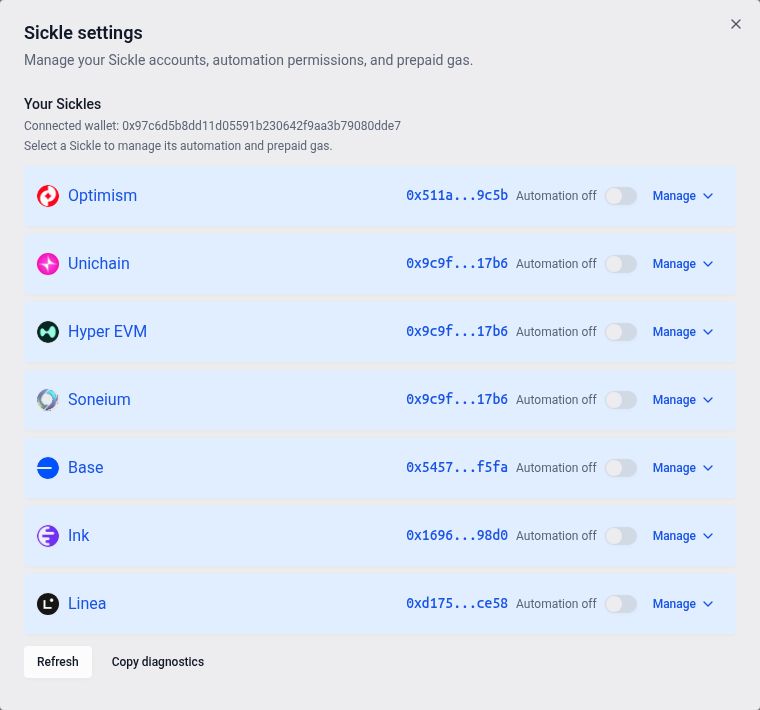
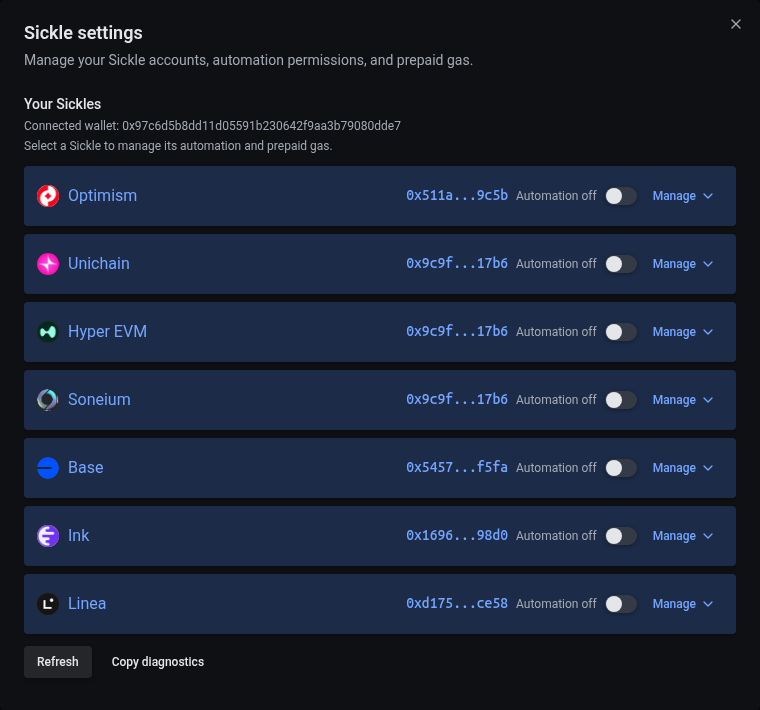
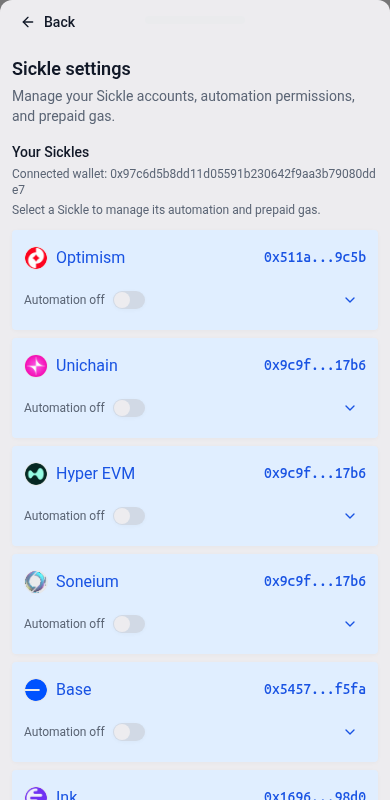
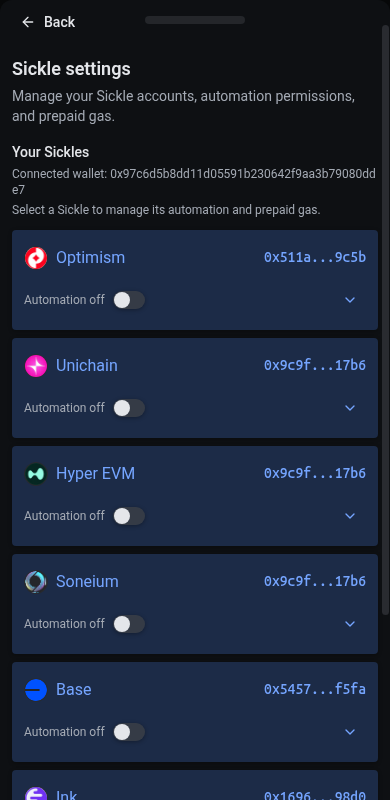
The Automation button on Positions, beside search, opens one place for every chain where you have a Sickle. It’s always shown, phones included. Automation and gas controls live here rather than in the navigation menus. A dot on the button marks a gas account that needs you: amber when it needs setting up or is low, red when it’s empty.
The list shows each chain’s position count, automated positions, gas account and Automation switch. Chains holding positions or with automation on appear first; other chains stay available under more chains with a Sickle. On desktop, a chain needing attention opens first, otherwise a chain holding positions. Counts say loaded positions when some holdings could not be loaded. Select a chain to open its page beside the list (on a phone, in place of it, with All chains to return to the list). Your gas form edits stay in place when you resize between desktop and phone layouts. A chain’s page has three parts:
- Automation on the chain: the switch that lets the bot act on your Sickle there appears first. Turning it off stops every automated action on that chain. Manage permissions expands the per-action approvals on chains that require them. Turning on the chain alone does not configure position rules; choose those from a position on Positions.
- Gas account: an optional balance in the chain’s native token that pays a run’s gas when its fee can’t. Automation first checks whether its fee covers gas; strategy fees still apply. The balance shows a rounded amount with its approximate fiat value (hover for full precision) and how long it lasts: about N days at the last 30 days’ spend once the account has been charged, otherwise about N rebalances at today’s gas price. When the balance is Low, it always shows the estimated rebalances left at current gas costs, which determine that warning. It lists the automated positions that rely on it because their fees don’t cover gas at their size.
- Account: the Sickle’s address with its explorer link, and the owner wallet.
After a switch’s transaction confirms, the switch, the position automation strip and the Positions row icons show the new state while the Sickle data catches up; the label reads Automation on · updating until it does, and the switch waits until then before it can change again. The update stays with the Sickle that submitted it if you switch wallets. Once indexed, newer changes from another tab or device take precedence.
Gas account levels
The same level shows in the list, on the chain’s page and on the Automation button:
- Not needed: fees pay for every automated position’s runs.
- Needs setup: an automated position’s fee can’t cover its gas, and the gas account isn’t paying.
- ≈N days (or ≈N runs before any charges): the balance in use.
- Low: 3 rebalances or fewer left at current estimated gas costs while positions rely on it. The label shows rebalances even if low historical spending suggests many days left; below one full rebalance, it says less than 1 rebalance (or <1 run in a badge).
- Empty: nothing left while positions rely on it; their runs wait.
When a gas account in use turns Low or Empty, a notice under the header names it on every page, such as Gas low with Base: about 2 rebalances left at current estimated gas costs for 3 automated positions, or Gas low on Base and Arc for several chains, with Add gas. Dismissing it hides it until the level drops a step, from Low to Empty, and it returns after the account has recovered and runs low again. Until then it’s listed under Notices, where Show again brings it back. With Notify this device on in the Notices list, a browser notification also says when a level drops while vfat is open.
Adding gas
Add gas offers amounts that cover about 10, 25 or 50 rebalances at today’s gas price, starting at 25, or any amount under Custom, and shows the balance and rebalances after. While the gas account isn’t paying yet, Use it when fees fall short turns that on in the same step, with its approvals. Turn on and Turn off beside Pays when fees fall short change it without adding funds. Withdraw sends unused gas back to your wallet; emptying the balance leaves paying switched on with nothing to pay, and actions that can fund themselves through fees may still run.
Limits holds an optional cap on what one run may charge (its approximate fiat value shows beside the native-token amount) and the minimum time between harvest or compound charges. If it says paying from the account is off but its auto-rebalance permission remains, choose Remove remaining permission there first. Availability depends on the Sickle and chain’s contract configuration.
Only the current automation system is supported. Positions with an older automation approval show automation as off. Configure automation from the position to enable the actions you want; you can continue to manage positions manually.
When the gas account asks you to turn on automation, use the automation switch first. You can still add gas or withdraw while this warning is shown.


Use Refresh if a Sickle doesn’t show up, or Copy diagnostics to get a block of debug info to share with Support.