Referral Program
The Referral page lets you create a referral code and earn a share of the fees generated by Sickles that used it. It requires a connected wallet, since earnings are tied to your address.
Codes
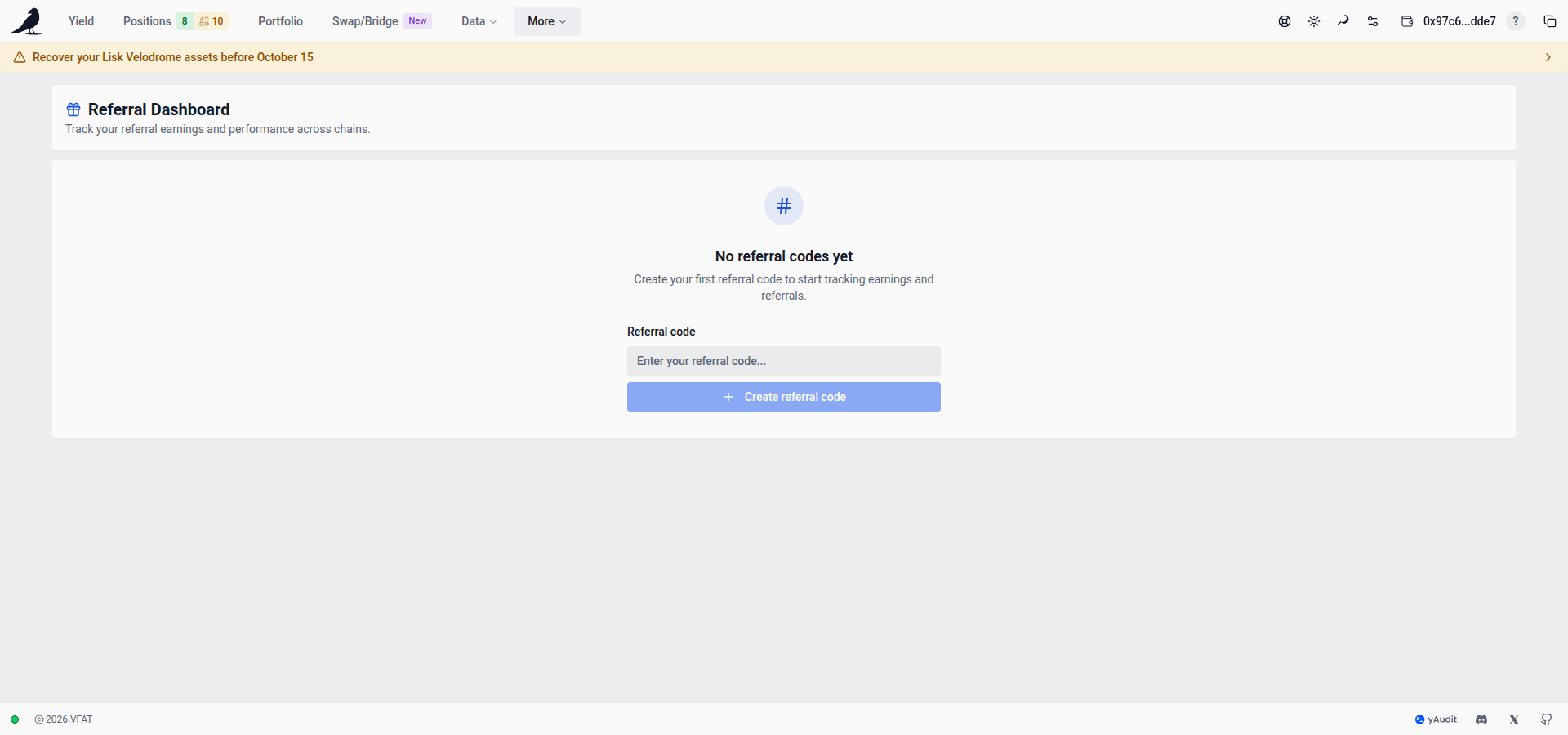
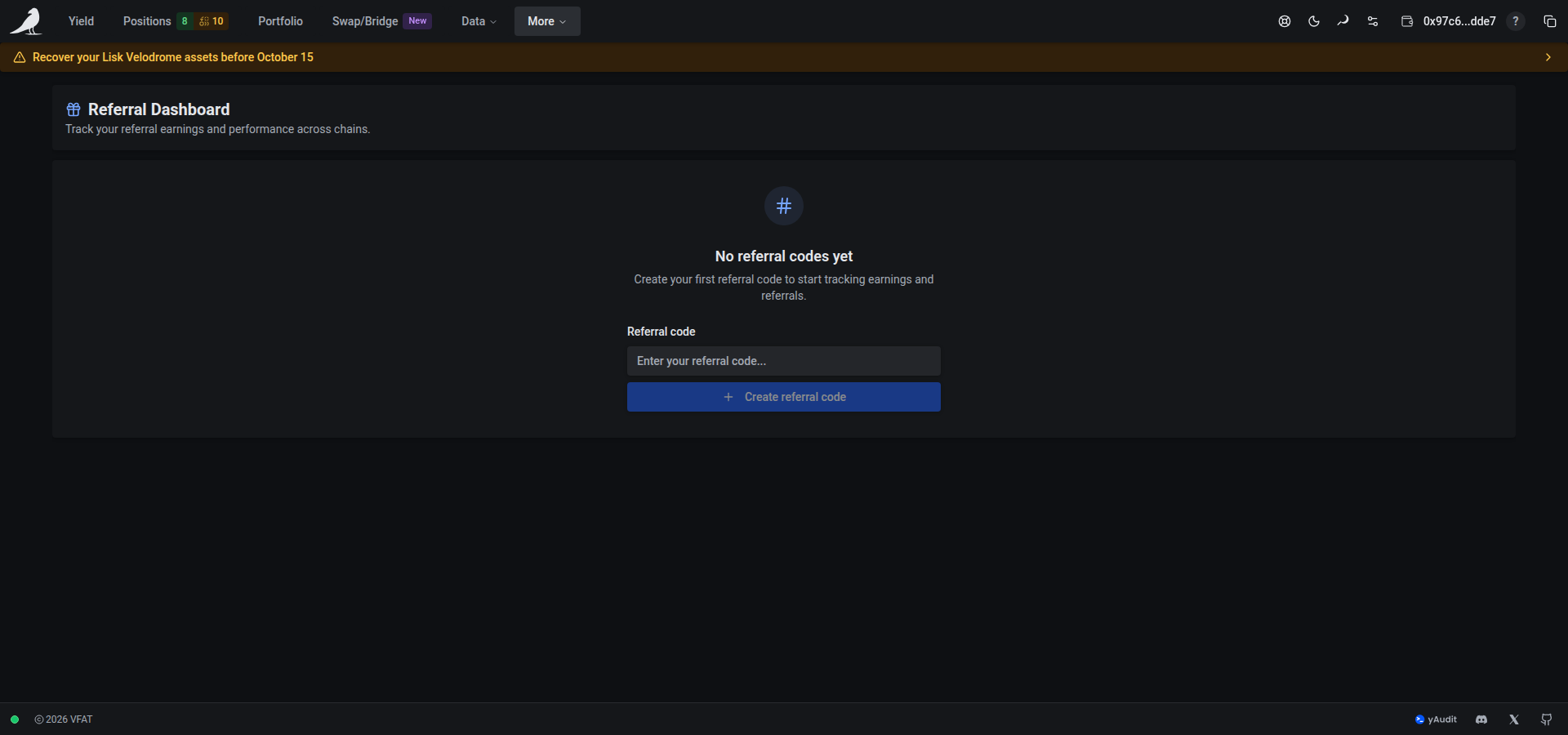
If you don’t have a referral code yet, this is the first tab you’ll see. Create one from here. Share your code (or referral link) with others; any Sickle deployed using it is attributed to you.
Rewards
A per-chain table of your earnings so far.
Overview
The overview shows monthly earnings, wallets that generated fees, fee-generating transactions, and average rewards per transaction. A wallet is counted once across chains; its separate Sickle accounts are shown under Referred wallets. One transaction can charge several fees and is counted once in the monthly total.
Choose a month to see its earnings by chain and farming fees by action; the monthly table shows that month and earlier history. Fees generated is before your referral share, valued at the recorded token prices; Earned uses the fees converted to USDC. These amounts can differ. The farming fee statistics cover deposits, harvests, compounds, withdrawals and rebalances. Separate swap-router charges are not included.
The current month is marked to date. Its fee comparison uses the same number of complete UTC days in the previous month, capped at that month’s last day. Completed months also show the change in settled earnings. Counts marked ≥ are lower bounds. Fee amounts marked * have incomplete prices. A fee percentage change is shown only when both periods have complete fee values.
Referrals
The list of Sickles that used your referral code.
Payments
Your payout history: when referral earnings were actually paid out to you.
KPIs
At the top of the page: Unpaid rewards (earned but not yet paid), Received rewards (already paid out), Total earned, Pending (est.), and Referred wallets, in one card.
Pending (est.) shows your share of fees awaiting conversion to USDC. Its value can change before conversion and payment.
Unavailable data
If a network cannot be checked, referrals from available networks remain visible. Previously loaded referrals from unavailable networks stay visible until those networks can be checked again. If the code-list request fails but the referral-usage response confirms your registered codes, the dashboard keeps showing those codes and their statistics. The notice row identifies incomplete data, and ≥ before the referral count means it is a lower bound. An unavailable earnings or referral total shows —, not zero. Previously loaded figures can remain visible when a refresh fails; open the notice for details and retry. A complete empty response still means no referrals or earnings were found.