Farms View
Compare yield farms across DeFi, enter and exit positions, and compound earnings in one click, all from a single interface.
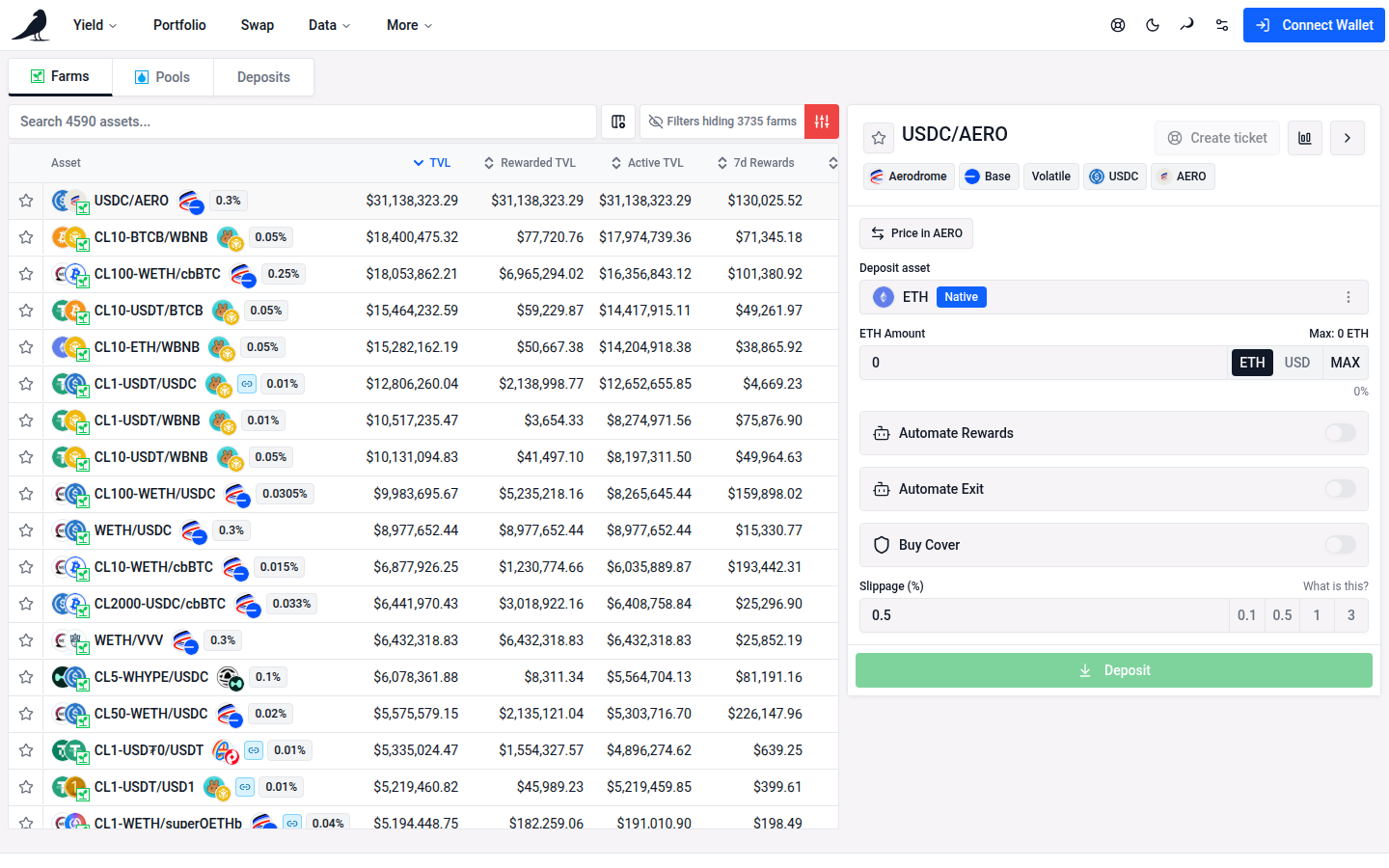
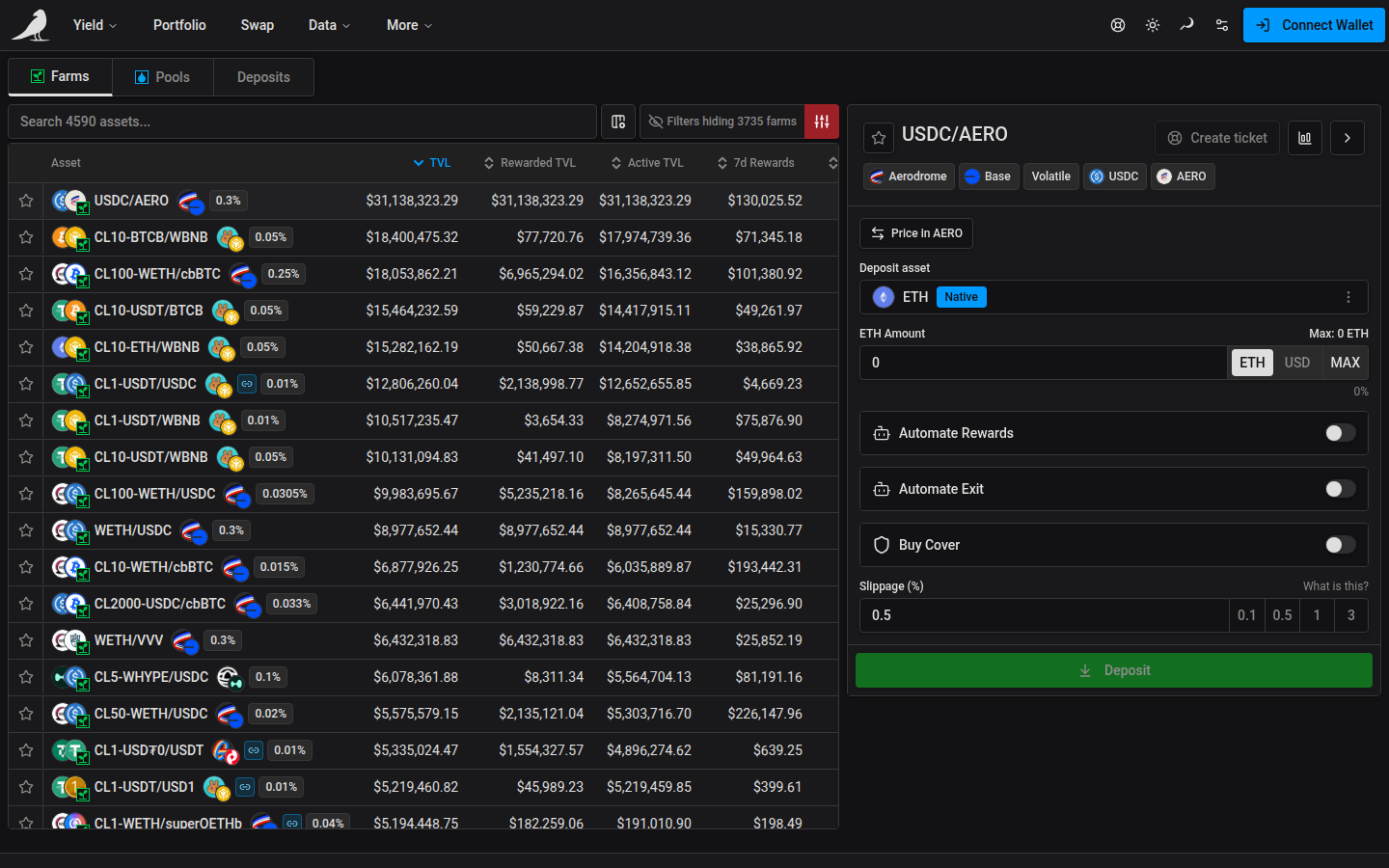
vfat.io indexes farms across a growing list of protocols and chains. See the live list on the Protocols page. Each farm’s total value locked (TVL), chain, protocol and APR are shown in the browse table.
On desktop, the first farm is selected automatically and its action pane opens, while the row stays collapsed. Click the selected row to expand its inline details.
Filtering
Search by token symbol, a pair such as WETH/USDC in either order, or a concentrated-liquidity label such as CL200-WETH/USDC. You can also search by a farm or pool address, or a pool ID.
Very long token symbols and names are shortened in the interface. Results that match only the hidden portion of oversized metadata are excluded from search. If matching farms are hidden by your active filters, use Clear filters to reveal them.
The table can be filtered and sorted by protocol, chain, farm type (concentrated liquidity, stable or volatile), asset correlation (correlated or uncorrelated pairs), points programs, favorites, whether cover is available, and by numeric thresholds for APR, TVL, rewards, fees, pool volume and pool age. This is useful once you’re comparing hundreds of farms at once.
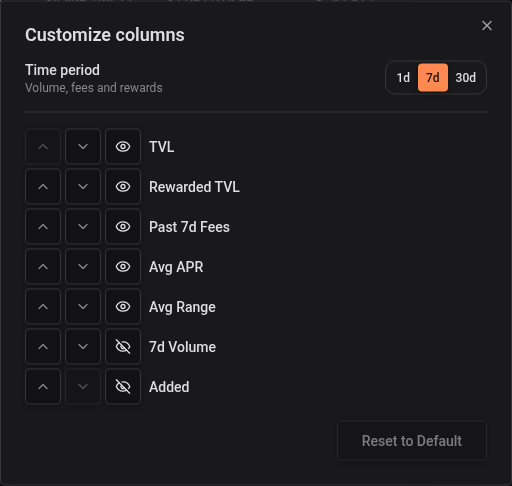
Open Customize columns beside the search bar and use Time period to select 1d / 7d / 30d. The selection defaults to 7d, is remembered across Farms and Pools, and is included in the URL when changed. Avg APR and its range/compounding options stay unchanged.
Enable Volume in Customize columns to see one column for the selected period. It is hidden by default. Click its header to sort, or set minimum and maximum dollar amounts for 1d, 7d or 30d volume under Filters. Empty bounds apply no restriction. Column choices and volume filter presets are remembered.
Unavailable volume displays as an empty cell and sorts last in either direction. Applying a volume filter excludes pools whose volume for that window is unavailable; a reported zero remains a valid value.
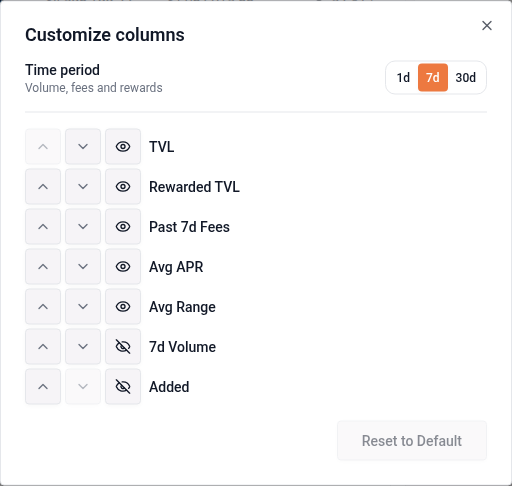
1d / 7d / 30d Rewards converts the existing weekly reward estimate to the selected duration. This includes token incentives, off-chain rewards and applicable swap-fee income; the fee component retains its existing 7d rate basis and missing-data fallbacks. Reward filter amounts follow the selected duration. Pools instead show the fees accumulated during their selected period.
Depositing
After connecting your wallet and choosing a farm, use the Deposit button at the end of the row for a one-click quick deposit of a pre-selected ETH (or native token) amount, adjustable from the drop-down. Alternatively, click anywhere on a row to open the full action pane, where you can:
- Deposit any token: it’s automatically routed/swapped into the position
- Deposit both underlying tokens directly, or an existing LP token or NFT position
- Move an existing Sickle position from one farm into another
- Choose a custom price range for concentrated liquidity farms
- Set your slippage tolerance and inspect the swap route taken
- Turn on cover or automation for the position at deposit time
On chains where the native currency also has an ERC-20 interface, such as CELO on Celo and USDC on Arc, deposits and increases use native funding and skip that token’s approval transaction. MAX leaves enough native currency in your wallet for the network fee. Other input tokens and fee-token-only chains may still need approval.
Managing open positions
Open positions show up in the Deposits tab, where quick actions let you compound earnings, harvest, or exit back to a token of your choice.
Contract infrastructure
vfat.io Yield is powered by Sickle, a self-custodied contract deployed on each chain the first time you deposit. Sickle executes complex, multi-step actions (swap, add liquidity, stake, and more) in a single transaction via audited Strategy contracts. See Audits for the full list of reports. Smart contracts carry risk regardless of audits, and there is always the underlying risk of the pool you enter.